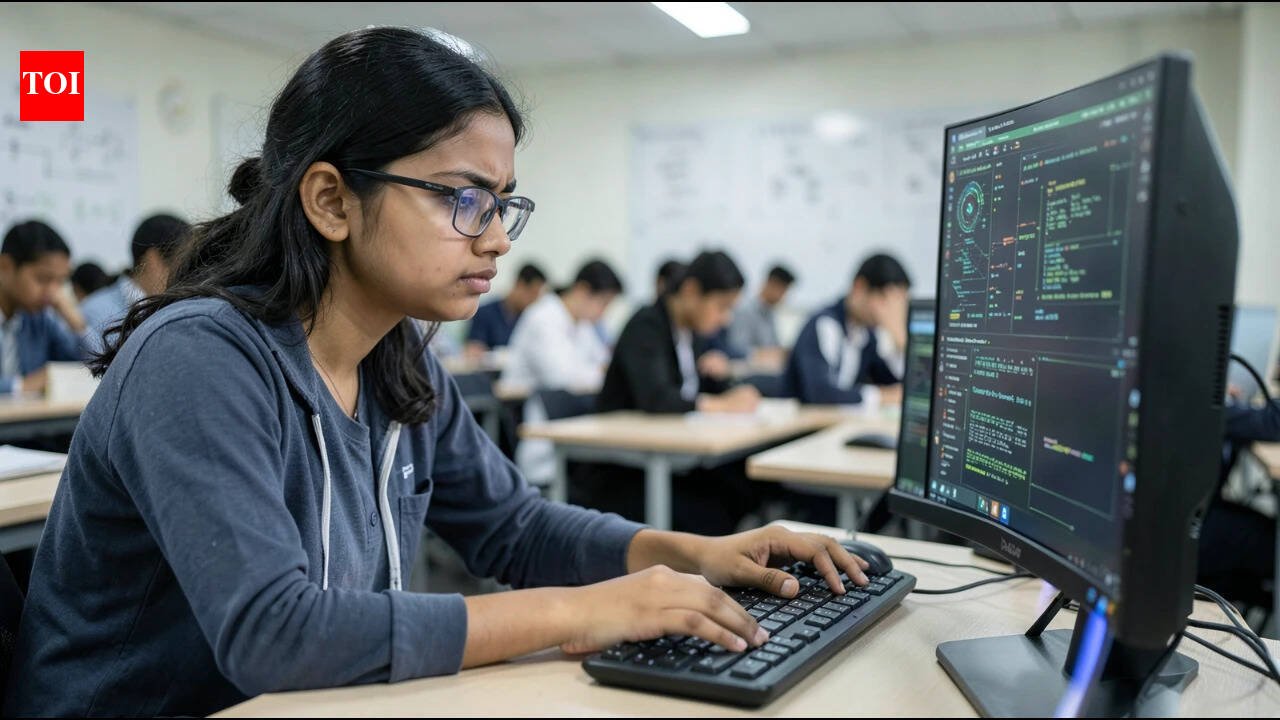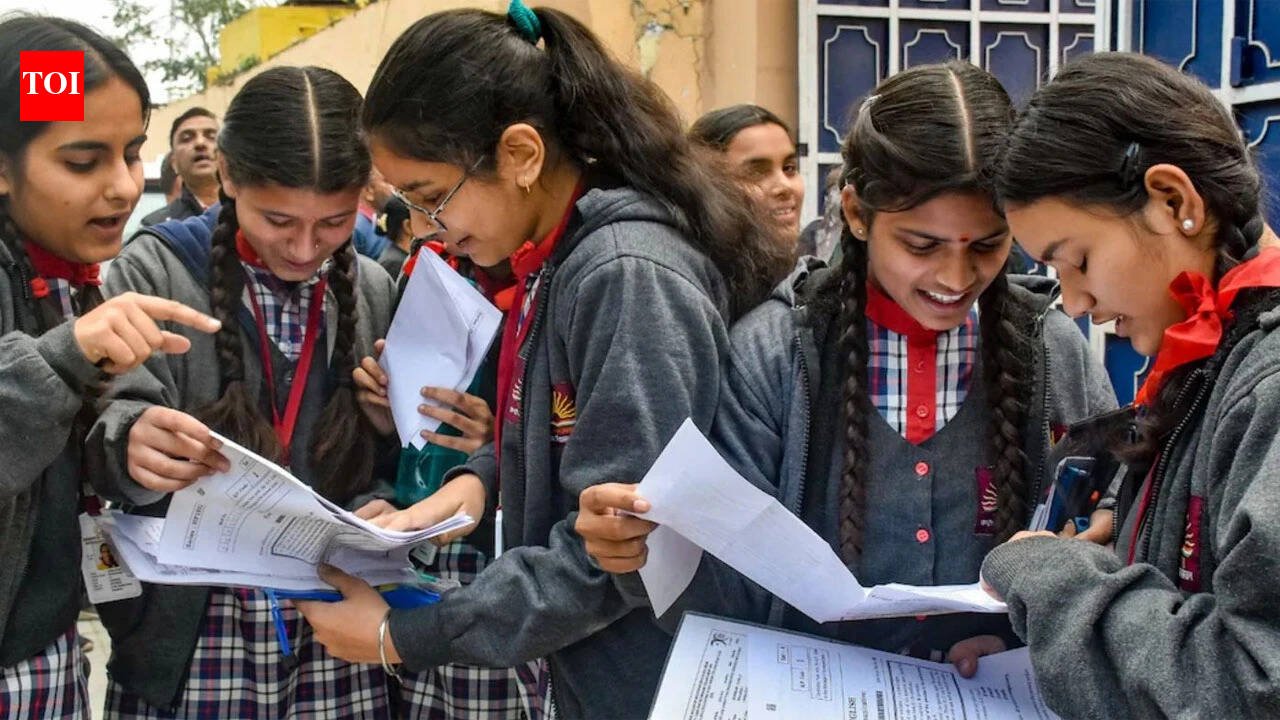
HPBOSE September 2026 results: HPSOS students await Class 8, 10 and 12 score updates HPSOS September Result: The Himachal Pradesh State Open School (HPSOS) is expected to announce the results of its September 2026 examinations soon.
The results will cover students who appeared for the Class 8, Class 10 and Class 12 examinations conducted under the open schooling system.The Himachal Pradesh School Education Board has completed the necessary preparations and formalities for declaring the results.
The process of finalising the examination results has also been completed, and students are awaiting the announcement.HP SOS September 2026 result updateProviding the latest information, Himachal Pradesh School Education Board Chairman Dr Rajesh Sharma said that the results would be declared shortly.
He confirmed that the board had completed the required procedures and prioritised the preparation of results to ensure that students receive their scores without unnecessary delays.The board has undertaken the result preparation process with the aim of making the scores available to students in a timely manner.
However, an exact date and time for the declaration have not yet been specified in the announcement.
Results to be available at hpbose.orgOnce the results are declared, students from Classes 8, 10 and 12 will be able to check their examination scores through the official website of the Himachal Pradesh School Education Board.The result link will be made available at Join conversation Share your thoughts in the comments Be respectful · TOI community guidelines http://www.hpbose.org following the official announcement.
Students should regularly visit the website to check for updates regarding the result declaration and access the relevant result facility.How to check HP SOS September 2026 results After the result link becomes active, students can follow these steps:Step 1: Visit the official website, http://www.hpbose.org.Step 2: Find the HP SOS September 2026 result link on the homepage.Step 3: Select the relevant class, Class 8, 10 or 12.Step 4: Enter the required examination credentials.Step 5: Submit the details to view the result.Step 6: Download the result and save a copy for future reference.