We put 11 range extenders and mesh systems to the test to find the fastest and most reliable for streaming, gaming and working from home
Fast fibre broadband is fantastic – if the wifi signal reaches the part of your home where you need it. Most of us use the router provided by our broadband provider, often tucked away in a hallway or corner of the lounge. Sadly, these often don’t have the range to cover every room in your home, leaving you high and dry when you’re trying to binge-watch TV or get work done in a distant home office.
Wifi extenders and mesh systems can help. Extenders plug in to a mains socket between your location and the router, then pass data backwards and forwards to extend your router’s reach. Mesh systems are even smarter, pairing a secondary router with one or two satellite units, which work together to extend the wifi coverage throughout your home. The mesh system can pass your connection from unit to unit to make sure you’re always getting the best possible link from your device to the internet, wherever you are in your home.
Extenders are cheap and cheerful, but often only extend your wifi coverage to one area. A mesh system, working properly, should cover your whole home. I’ve tested the best of both to find the fastest, most effective and most affordable ways to boost your wifi.
Why you should trust me
I’ve spent more than three decades reviewing technology, covering PCs, printers, laptops, tablets, games consoles, projectors and more. In that time, I’ve also tested more than my fair share of network extenders, mesh systems, network storage devices and routers. I know what to look for in terms of features and performance, as well as ease of setup and use.
How I tested
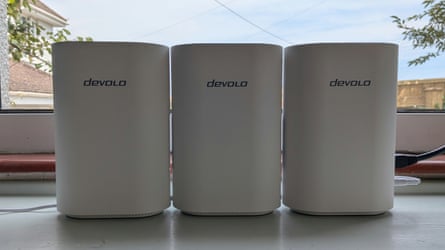
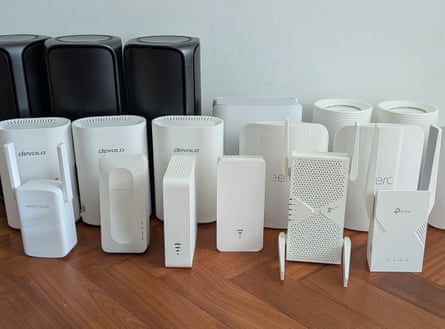
I tested 11 wifi extenders and mesh systems from the leading manufacturers, covering as many different product types and budgets as possible. Each product was set up for real-world testing in my three-bedroom, two-floor home. It’s a tough testing ground for wireless products, with an unusually wide floor plan that makes it hard to push a wifi signal to one side of the house, especially with thick interior walls and glass doors getting in the way.
I installed and configured each mesh system or extender and added any satellite units. I then ran bandwidth tests using network-testing software to see how fast data could pass back and forth between a wifi 7 laptop and a second laptop, connected via ethernet cable to the router. I also ran file-transfer tests to check connection speeds. Tests took place in the two most troublesome wifi locations in the house: the dining room, where I often work, and an upstairs room used as an office.
In addition to these tests, I streamed 4K video from YouTube to check for signs of an erratic signal or buffering, and streamed games from a PC running Steam, a gaming platform. Testing network products can be frustrating and demoralising since there’s nearly always something that doesn’t work the first time. Blasting demons to bits in Doom: The Dark Ages helped keep me sane.
After testing, all the products were either returned to their sources or donated to InFocus, a charity that supports young people with vision impairment and complex needs.
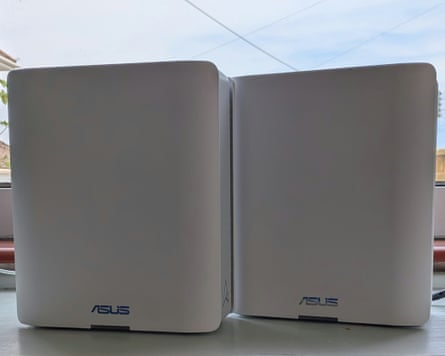
The best wifi range extenders and mesh systems in 2026
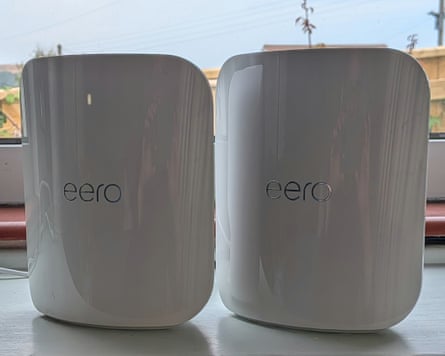
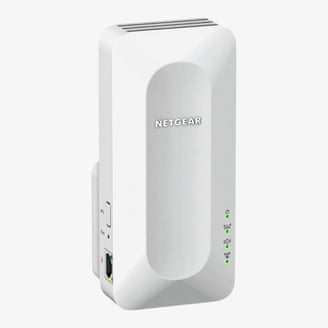
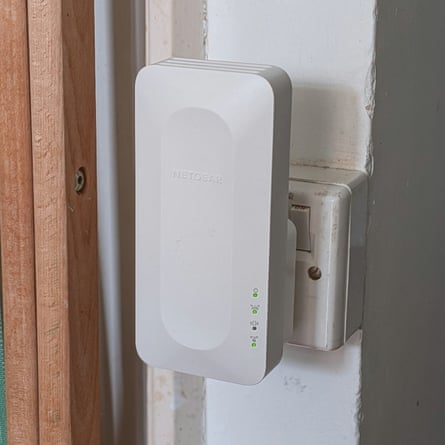
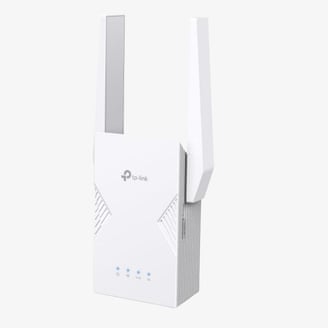
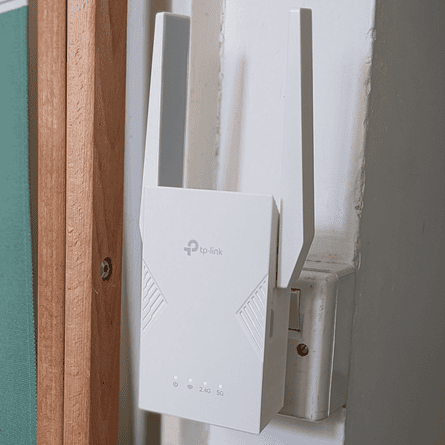
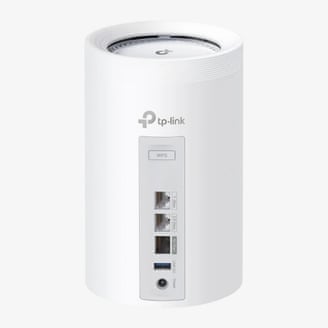
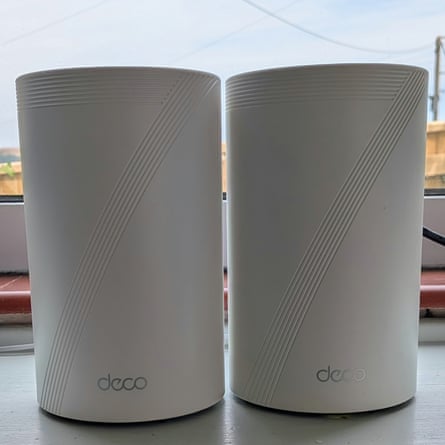
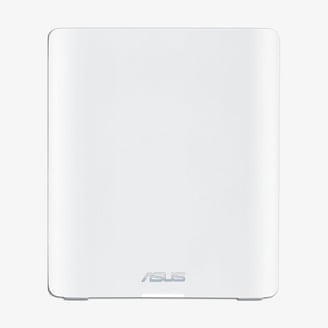
For more, read the best gaming chairs for every player
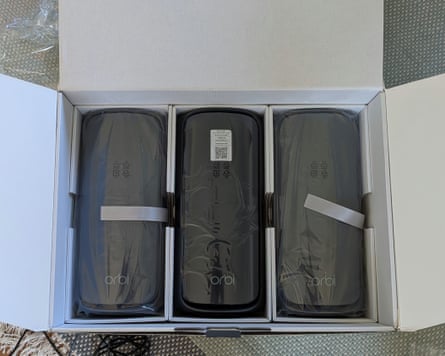
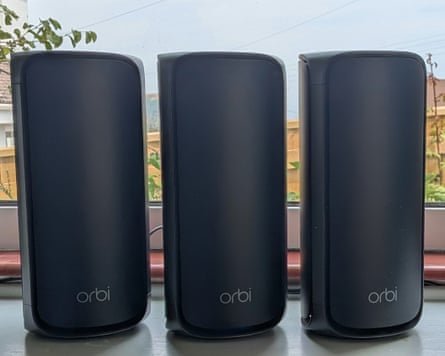
The best of the rest

What you need to know
Should I buy a mesh system or an extender?
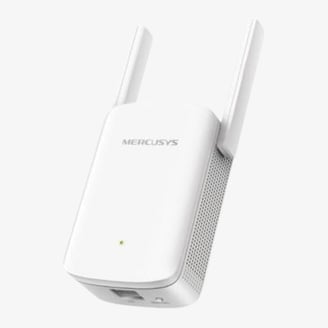
While they both improve wifi range, extenders and mesh systems do slightly different things. An extender (or repeater) works with an existing router, extending its wifi signal to a room or an area in your home. It receives packets of data from your router or the device you’re using, then repeats them to the router or device at the other end. This can reduce connection speeds, but you can get a solid connection in areas where you wouldn’t otherwise.
A mesh system replaces your existing router or works alongside your broadband provider’s router, using one or more satellite units placed around your home to create a single, seamless wifi network. These units communicate with each other to find the most efficient route to send data between your devices and the router, helping extend coverage throughout your home. The downside? Mesh systems are considerably more expensive than a simple extender.
Do I need wifi 5, wifi 6 or wifi 7?
A new wifi standard is introduced every few years as the industry works to stay ahead of the demands of newer devices and faster internet connections. Routers, extenders and devices such as smartphones, tablets, laptops and games consoles gradually adopt each new standard, ideally before the next one arrives. Wifi 5 is still usable, but it’s a bit old-hat these days and will limit newer devices, particularly with broadband speeds of 100Mbits/sec and above. Wifi 6 is faster, better at longer range and now supported by most new devices, making it a good fit for connections below 1Gbit/sec.
However, internet connections are getting faster, and we have more devices competing for bandwidth. That’s where wifi 7 comes in, offering more capacity for busy homes and support for the fastest internet speeds.
There are two things we should make clear, though. First, your wifi doesn’t determine your internet speed – that’s down to your provider, the connection infrastructure in your area, your service package and the router it supplies. Better wifi can remove bottlenecks between your devices and that router, but it can’t speed up the connection itself. Second, older devices will still work with newer wifi standards; a wifi 6 laptop will still connect to a wifi 7 mesh system, but it won’t make the most of the available speed and bandwidth.
Will a wifi 6 or wifi 7 extender work with my existing router?
There can be incompatibility issues between manufacturers in some instances, but otherwise yes. Wifi standards are backwards-compatible, although you’ll be limited by the slower connection speed between the extender and the router. However, this isn’t a problem with mesh systems, where the main unit connects to your existing router through a cable and creates a brand-new wifi network. Speeds may be limited if your existing fibre router only has a gigabit ethernet connection or you have a relatively slow fibre broadband package. A mesh or extender can make the most of what you’ve got, but it can’t make your actual broadband faster.
What ports and sockets should I look for?
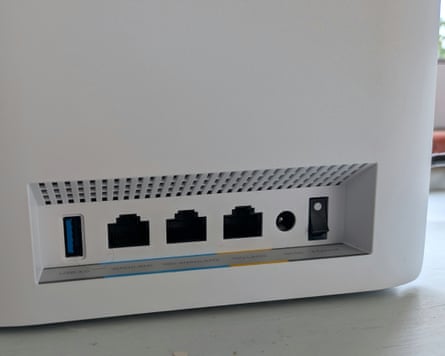
Gigabit ethernet (GbE) ports are now standard on most mesh systems and extenders, providing a fast wired connection to your router and a way to add wired devices, such as a desktop PC or network storage, to your network. Faster 2.5GbE and 10GbE ports are useful if you have ultrafast fibre broadband above 1Gbit/sec, or a high-end gaming desktop PC that supports those speeds.
USB ports can also be handy on mesh systems if they allow you to hook up an external hard drive or SSD, and to share files between PCs or other devices connected to your network.
What’s the difference between dual-band and tri-band routers or extenders, and is tri-band worth the extra?
Most wifi 5 and wifi 6 networks run over two frequencies or bands – 5GHz and 2.4GHz. This gives them more bandwidth to work with than they’d have over a single band, and also means that some devices can use the 5GHz band, which is less congested and less prone to interference. The wifi 6E and wifi 7 standards went one better by adding a third 6GHz band (though, strangely, not all wifi 7 routers or extenders support this). This doesn’t have the same range as the 5GHz or 2.4GHz bands, but there’s even less congestion, and it can be really speedy at close range. You get increased capacity, giving more devices more bandwidth to work with.
What’s more, in a mesh network, the third band can work as a “backhaul”, passing data between the different nodes on the network while keeping the other two bands free for connecting your devices. Those devices aren’t then competing for the same resources, and can connect at even higher speeds.
Tri-band networks, then, are faster, but you might not need that fast a network, especially if your real bottleneck is your fibre broadband connection speed. Also, there may not be a difference at long range. Think of tri-band as a nice-to-have for maximum performance, but not an essential if you’re on a budget.
What’s an IoT or guest network?
Most routers or mesh systems are able to run more than one wireless network at once, and many use this ability to offer a guest network or a dedicated network for your IoT (Internet of Things) devices. That makes sense, as many smart lightbulbs, security cameras or appliances don’t receive regular updates, and a hacker might use them to get a foothold on your network and see what mischief they can do from there. Also, keeping all those devices on a separate network means they’re not clogging up your main network with unnecessary traffic. You may need to enable additional settings to properly isolate them.
It’s a similar idea with guest networks. You can offer them to visitors, with their own network name and password, but they can’t see or start investigating any laptops or devices that you have hooked up to your main network. Plus, this usually preserves bandwidth for your devices, and stops a guest hogging it all with video streams or massive downloads.
Can you buy refurbished mesh systems or extenders?
Sites and stores such as Back Market, CeX and Amazon Resale sell customer returns or preowned products. If they’ve been reset and prepared for a new setup, they’ll be perfectly fine so long as they’re compatible with your network and still receive security updates. I’d still steer clear of older wifi 5 systems and extenders, though; wifi 6 mesh systems should have plenty of life in them yet.
Can you reuse or recycle later on?
Extenders and mesh systems can be recycled like most other electronic products, either through local collections or recycling points. Follow the manufacturer’s instructions to reset the device before disposing of it, and check that the reset has completed successfully. While it won’t store personal files, it may retain your wifi settings and network passwords, which could be misused.
For more, read the best gaming chairs for every player and best 4K wireless TV streamers for more choice – with no aerial required
Stuart Andrews is a journalist with more than three decades of experience in computing and consumer tech. When he’s not messing around with PCs, laptops and projectors, he’s trying to tame his post-apocalyptic garden with the latest cordless gadgets. Likes arty movies, walking and devices that just work; hates things that won’t connect to his home network. This round of testing may have affected his blood pressure and increased his snack consumption